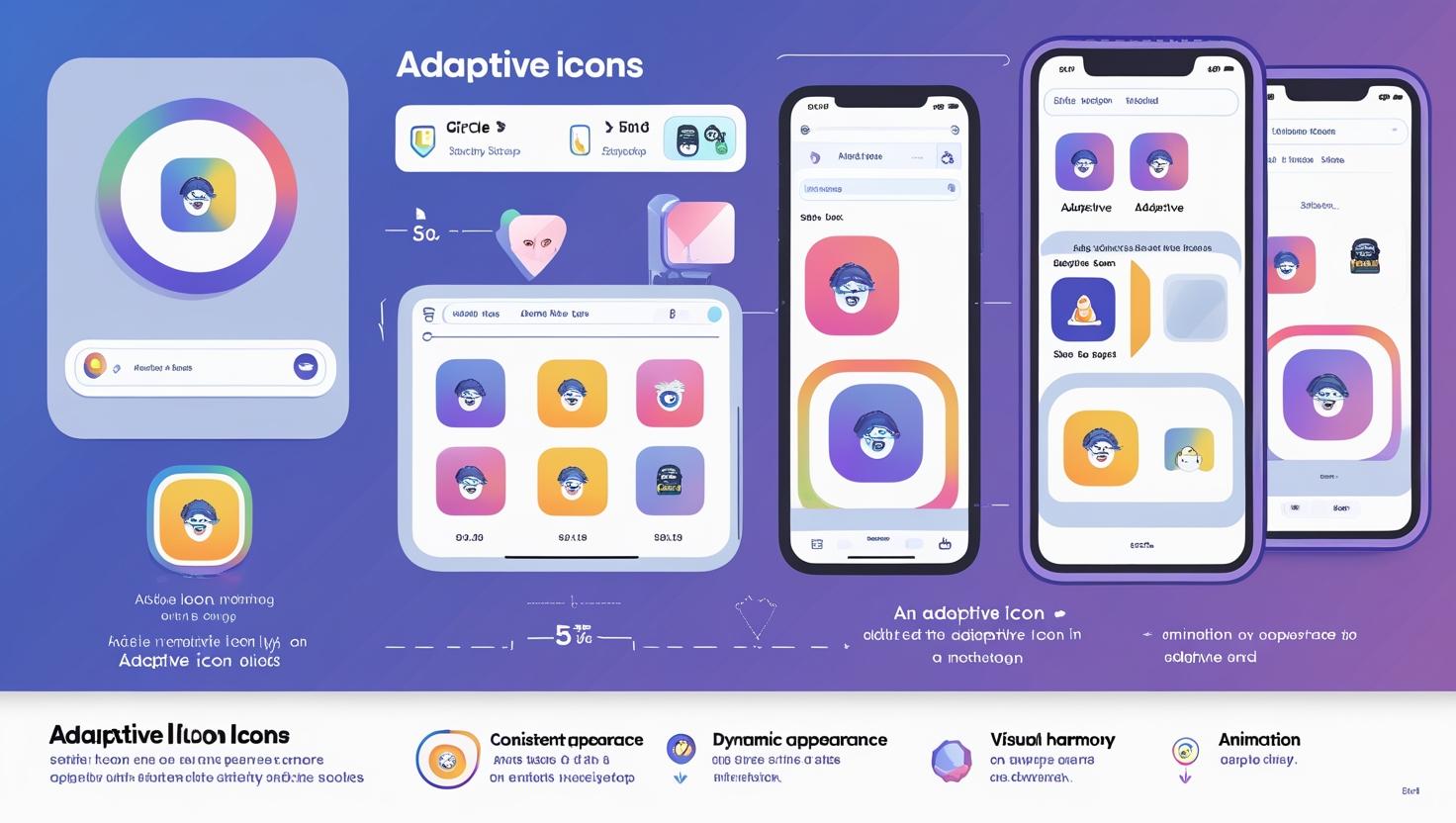
What Are Adaptive Icons?
Adaptive icons are smart app icons that automatically adjust to different device themes, shapes, and screen densities. Unlike traditional static icons, they provide:
✔ Consistent appearance across devices
✔ Dynamic theming capabilities
✔ Better visual harmony in launchers
✔ Support for animations and effects
Core Components of Adaptive Icons
1. Standard Dimensions
-
Android: 108dp × 108dp canvas
-
iOS: 1024px × 1024px master size
-
Key Elements: Must fit within 72dp circle (Android safe zone)
2. Layer System (Android)
-
Foreground Layer: Your main icon graphic
-
Background Layer: Color/texture foundation
-
Mask: System-applied shape (circle, squircle, etc.)
3. Platform Differences
| Feature | Android | iOS |
|---|---|---|
| Base Size | 108dp | 1024px |
| Layers | Foreground+Background | Single layer |
| Shapes | System-masked | Predefined |
| Animation | Supported | Limited |
Step-by-Step Creation Guide
1. Design Preparation
-
Use vector tools (Figma, Illustrator)
-
Create square canvas (108dp for Android)
-
Keep critical elements centered
2. Implementing Safe Zones
-
Inner Safe Zone: 66dp diameter (must contain key elements)
-
Outer Safe Zone: 72dp diameter (no critical elements beyond)
-
No-Go Zone: Outside 72dp (may be clipped)
3. Exporting & Testing
-
Generate multiple densities (mdpi, hdpi, xhdpi, etc.)
-
Test on:
-
Android Studio's Icon Preview
-
Multiple device emulators
-
Different launcher themes
-
Common Mistakes to Avoid
🚫 Clipping Issues: Placing important elements outside safe zone
🚫 Overly Complex Designs: Doesn't scale down well
🚫 Ignoring Themes: Doesn't adapt to dark/light mode
🚫 Inconsistent Branding: Doesn't match app's visual style
Essential Tools & Resources
🛠️ Design Tools:
-
Figma (free adaptive icon templates)
-
Android Studio (official preview tool)
-
Adobe Illustrator (vector creation)
📚 Learning Resources:
-
Material Design Icon Guidelines
-
Apple Human Interface Guidelines
-
Adaptive Icons Gallery for inspiration
Beginner's Checklist:
✔ Understand platform requirements
✔ Design within safe zones
✔ Use proper layer structure (Android)
✔ Test across multiple themes
✔ Optimize for all screen densities
Pro Tip: "Start with a simple monochrome version first - if your icon works in black and white, it'll work in any color scheme."
Ready to create your first adaptive icon? Get started with our template pack!
Why This Guide Works:
-
Perfect for absolute beginners
-
Clear visual explanations
-
Practical step-by-step instructions
-
Covers both major platforms
-
Includes common pitfalls to avoid
Would you like:
-
Video tutorial links?
-
Specific case studies?
-
Advanced masking techniques?